 Drift Boss




Run and Jump for Brainrot
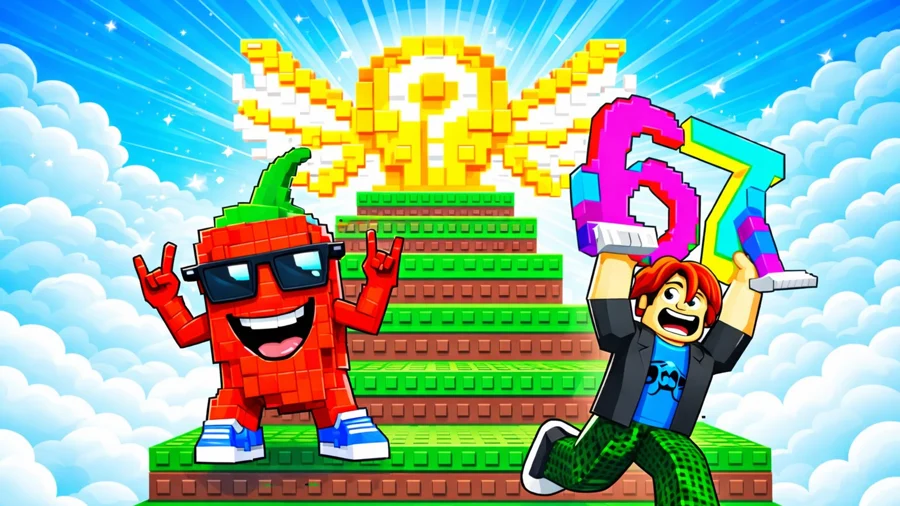
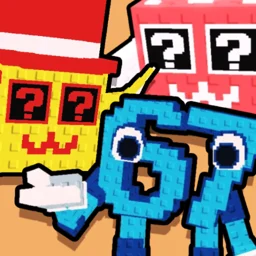
Run and Jump for Brainrot is a 3D arcade platformer about one thing: grabbing Brainrot memes off the platforms and carrying them home. You move, you jump, you collect, and every drop-off makes you a little stronger.
It is free to play in your browser, and the loop is simple enough to pick up in a few seconds. Getting higher and reaching the harder spots is where the actual game starts.
What is Run and Jump for Brainrot?
It is a fast collect-and-return platformer. You control a character in a 3D world full of platforms, hop around to gather Brainrot memes, and bring them back to your base. Each return powers you up. As you level, you jump higher, which opens up areas you could not reach before. That climb in jump height is the whole progression: the higher you go, the more Brainrot is sitting there waiting.
How to play
Move to a platform, grab the Brainrot, jump your way back to base, and drop it off. Repeat, level up, then go after the stuff that was out of reach a minute ago.
Desktop controls
- WASD or arrow keys to move
- Spacebar to jump
- Left mouse button to attack
- Right mouse button, hold and drag, to rotate the camera
- E to pick up Brainrot, Q to drop it
- R to teleport back to base
- Z to rebirth
- Tab for slow mode
- P to open settings
Mobile controls
- Left joystick to move
- Swipe the right side of the screen to rotate the camera
- On-screen buttons for jump, attack, drop, and take
Growing stronger and rebirth
Bringing Brainrot back to base is how you level up. Higher levels mean higher jumps, and higher jumps mean platforms that were impossible before are now in range. Rebirth (the Z key) resets your progress for a longer-term payoff, so it is worth using once a run starts to slow down rather than burning it early.
Tips for collecting more Brainrot
- Don't wander off with a full load. Use R to snap back to base instead of jumping the whole way home.
- Spend early levels building jump height before chasing the far platforms. The reach matters more than the count.
- Tab slow mode helps when a gap needs a precise landing.
- Hold off on rebirth until your current level stops opening new areas.
- Drop with Q if you misjudge a jump, then grab it again rather than losing the run.
What makes it work
The hook is the jump-height curve. You start stuck near the ground, and every base run buys you a few more inches of reach, so a platform you stared at five minutes ago is suddenly easy. That steady unlocking, plus a meme theme that does not take itself seriously, is what keeps a run going.
Run and Jump for Brainrot on mobile
Run and Jump for Brainrot is a browser game and does not have its own app. It still plays on phones and tablets here using touch controls. If you want something similar to install, these games have mobile versions:
- Space Waves: Google Play · App Store
- Rodha: Google Play · App Store
- Wave Dash: Geometry Arrow: Google Play
- Flappy Dunk: Google Play · App Store
- Geometry Game: Google Play · App Store
Similar games
If you like Run and Jump for Brainrot, try these other free games on Drift Boss.