Drift Boss







Wave Dash: Geometry Arrow
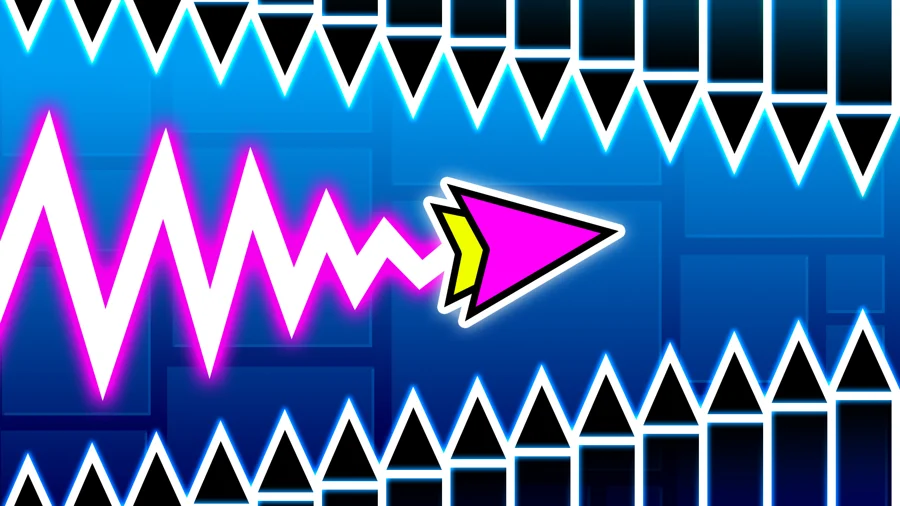
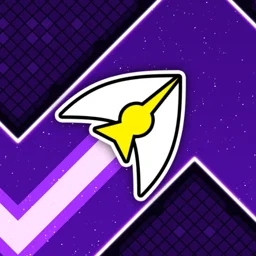
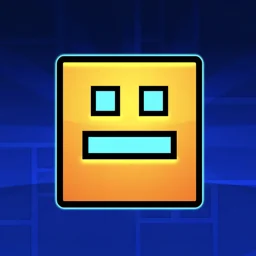
Wave Dash: Geometry Arrow is a free browser arcade game about steering an arrow through a narrow, obstacle-packed route without clipping a single wall, spike, or edge. The arrow moves forward on its own at a steady speed. The only thing you control is whether it climbs or drops.
It sounds simple, and at first it is. Then the patterns speed up, the music gets under your skin, and you find yourself one tap away from a clean run that falls apart at the last gap.
What is Wave Dash: Geometry Arrow?
It is a rhythm-based precision game in the geometry-runner family. Each level is a tight corridor synced to a backing track, and your arrow traces a continuous zig-zag path through it. You hold to make the arrow rise and release to let it fall, threading it through gaps without contact. A progress bar at the top shows how far you have gotten, so every percentage point you add feels like ground you actually won.
How to play
You only have one input, and you use it constantly.
Desktop controls
- Hold the left mouse button or Space to rise
- Release to fall
- The arrow moves forward automatically; you never control its speed
Mobile controls
- Hold anywhere on the screen to rise
- Lift your finger to fall
The wave mechanic
This is what separates it from games where you jump. Instead of a single hop, your taps carve one long zig-zag line, and the angle of that line changes the moment you press or let go. Short taps keep the path shallow for tight horizontal slots. Longer holds send you up at a steeper angle. Reading which one a gap needs, while the level scrolls at you, is most of the challenge.
Rhythm and levels
The layouts are built around the music, so the beat doubles as a timing cue. Learning the rhythm of a level matters as much as memorizing where the walls are. The same track that helps you find the timing can also lull you into pressing a beat too early.
Restarts are instant. When you crash you are dropped straight back to the start with no waiting, which keeps a long string of failed attempts from feeling like a grind.
Level editor
There is a built-in editor for designing your own stage and sharing it. If you have run out of official levels or just want to build something meaner than what you have been playing, this is where you do it.
Tips for a cleaner run
- Use the progress bar as a checkpoint in your head, not a finish line. Most deaths happen because players relax near the end.
- Tap to the beat instead of reacting to the wall. By the time you see a tight gap, reacting is usually too late.
- Favor short taps in dense sections. They keep your path flatter and easier to correct.
- Replay a level you can already clear at least once for the timing, then push into the part that keeps killing you.
- If a run feels rushed, slow your breathing before restarting. Panic taps cause most of the early crashes.
What makes it hard
There is almost no margin. One touch ends the run, and because the arrow never stops moving you cannot pause to line up a gap. The music makes this worse in an interesting way: it pulls you into a flow where you stop thinking and start reacting, which is exactly when an unfamiliar pattern catches you out.
Play Wave Dash: Geometry Arrow on mobile
Wave Dash: Geometry Arrow has a mobile app as well as the browser version. Keep playing here with no install, or get the app from Google Play for a home-screen icon and touch controls built for phones and tablets.
Similar games
If you like Wave Dash: Geometry Arrow, try these other free games on Drift Boss.
Wave Dash: Geometry Arrow gameplay video